





Xbox is launching two cloud gaming previews: using a smartphone as a controller on smart TVs worldwide, and Cloud Connect for the Nano Controller—initially available only in the U.S.
On November 4, Xbox is launching two previews for Xbox Cloud Gaming: using a smartphone as a controller on smart TVs and a Wi-Fi connection for the Nano Controller, which is initially available only in the U.S. The company announced this on the Xbox Wire blog.
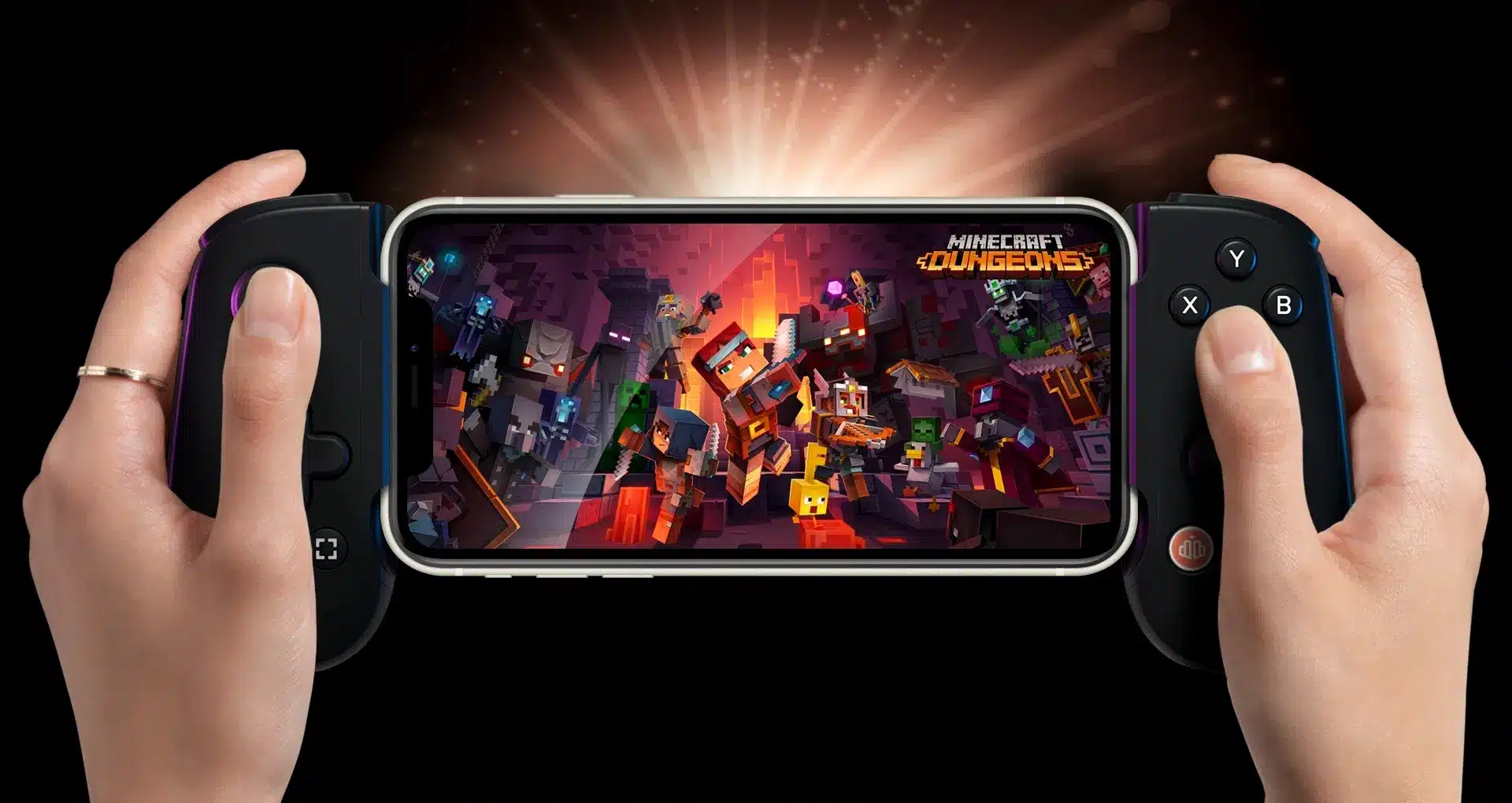
On supported smart TVs, players will soon be able to use their cell phones as controllers when no controller is handy. The controls open directly in the phone’s browser; a separate app is not required. The feature is enabled under Settings > Account via the “Preview Features” toggle. According to Xbox, when launched without a connected controller, the Smart TV app will automatically ask whether the phone—whether Android or iOS—should serve as the input device. For individual games, Xbox plans to further customize the touch controls to suit each game. The Xbox TV app is continuously being updated with new platform features.
~(X)~
Cloud Connect available only in the U.S.
The second preview is called Cloud Connect and is limited to the U.S. It connects the new Xbox Nano Controller directly to the cloud server running the game via Wi-Fi, rather than to the TV via Bluetooth. Team Xbox explains: “Instead of a Bluetooth connection to the TV, Cloud Connect uses your Wi-Fi to connect you directly to the cloud server running your game. This can reduce input latency, making the game feel more responsive.”
Setup is done via the Xbox Beta app on Android or the Xbox Accessories app on PC; the latter requires an Xbox Insider membership. Cloud Connect is currently available on supported smart TVs and on the web. The pocket-sized Xbox Nano Controller costs $49.99.
Phased Rollout
The Mobile Preview is rolling out in all countries where Xbox Cloud Gaming is available, making it the only one of the two features that players outside the U.S. can try. Both features are still in testing; Xbox warns that availability, supported games, and devices may be limited during the beta phase. The prompt for mobile control will therefore not appear immediately on every compatible device.
Xbox can receive feedback on Cloud Connect via the Accessories app on PC or via the Feedback icon in the Xbox app on mobile.


