





And if it doesn’t work, we’ll just use a few more adapters.
Technology has changed dramatically over the past few decades—and, in most cases, has improved significantly. Yet many companies continue to cling to old hardware, no matter the cost.
Two Adapters for a Hallelujah
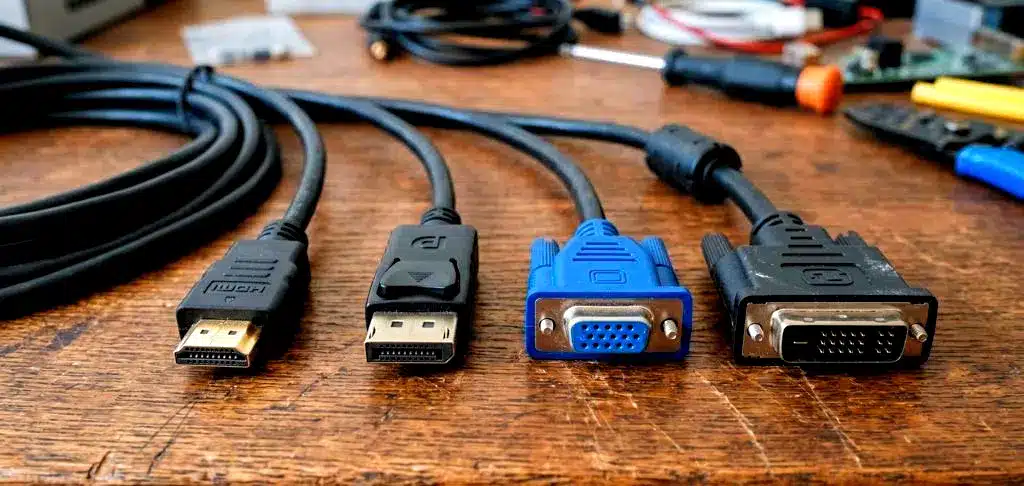
The good old VGA port was introduced in 1987. That was almost 40 years ago. For at least ten years now, the digital standards HDMI and DisplayPort have essentially completely replaced the former standard.
So what do you do when a new PC no longer has a VGA port? You cobble together an unnecessarily long and complicated chain of adapters to simply get around the problem, of course!
At least, that seems to be what the boss of Reddit user “HomlessandIknowit” thought. There’s hardly any other way to explain the image the user recently posted in the r/pcmasterrace subreddit.
It shows a VGA cable plugged into a VGA-to-HDMI adapter, which in turn is plugged into an HDMI-to-DisplayPort adapter connected to a PC. You can find the post here:
The user answers the most pressing question in the comments himself: Of course, the screen doesn’t work. The reasons for this can vary widely. Often, cheap adapters don’t support the full range of versions, or the multiple connections could simply be weakening the signal too much.
In the comments, many users jokingly suggest simply adding more connections until it works. They also note that this setup is exactly the kind of “temporary solution” that gets rediscovered many years later.
The simplest solution would probably be to just buy any inexpensive monitor that’s come onto the market in the last ten years and supports HDMI. On the other hand, this would finally put all those adapters—which have probably been sitting in some drawer for years—to good use. Now it’s just a matter of getting the connection to work somehow.


