





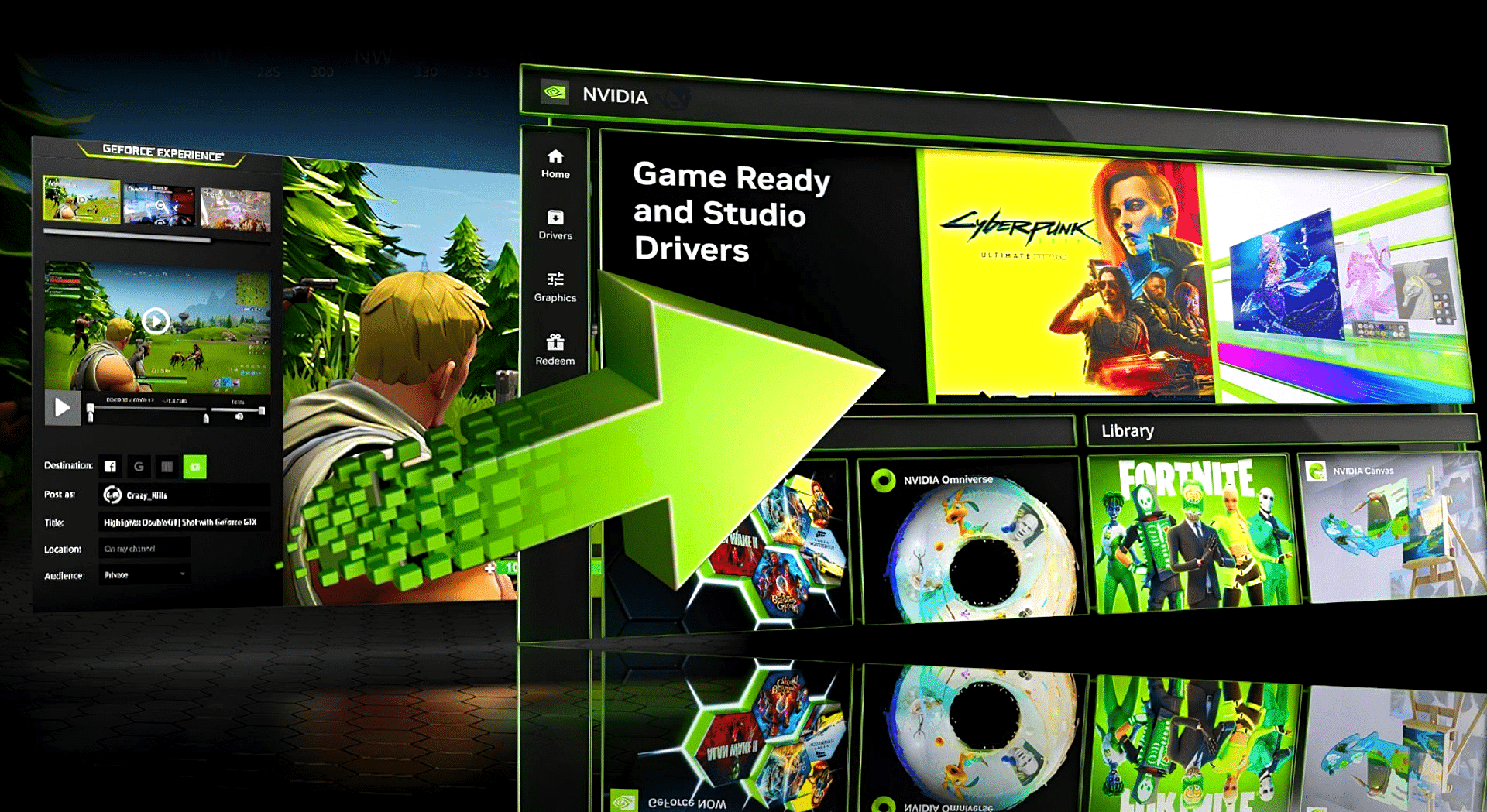
Nvidia is discontinuing the classic Control Panel for GeForce and Studio drivers; the Nvidia app will take over permanently.
It took a little longer than expected, but now it’s finally official: After 20 years, Nvidia is discontinuing the classic Control Panel.
With the recently releasedGame Ready Driver 610.47the developers announced that they would no longer continue developing the Nvidia Control Panel.
After 20 years of loyal service, the classic Nvidia Control Panel is officially retiring.
A gradual transition
The announcement comes as part of the latest update for the Nvidia app, which was installed alongside the new GeForce driver.
The patch released at the end of March 2026 provided access to DLSS 4.5, among other things—and also moved the last remaining features that were still housed in the “old” Control Panel.
Nvidia had already announced this process during the beta phase of the Nvidia app. Even back then, it was made clear that the new app would gradually become the new—and, above all, the only—go-to place for managing the settings of your GeForce graphics card.
What the release of the new Nvidia app means for gamers – and what it doesn’t
Nvidia cites the management of program-specific graphics and performance options—which you could previously find here under “Manage 3D Settings”—as one of the most frequently used features of the Control Panel.
- In the Nvidia app, however, these settings can be found in the “Graphics” tab. The available options remain unchanged, though.
- Display settings and system configuration remain bundled in the “System” tab.
At least: If you still have the Nvidia Control Panel installed on your computer, it will remain there—at least until you reinstall the driver. The company’s Pro graphics cards are also (still) spared from the venerable Control Panel’s settings; a few app features are likely still missing here.


