





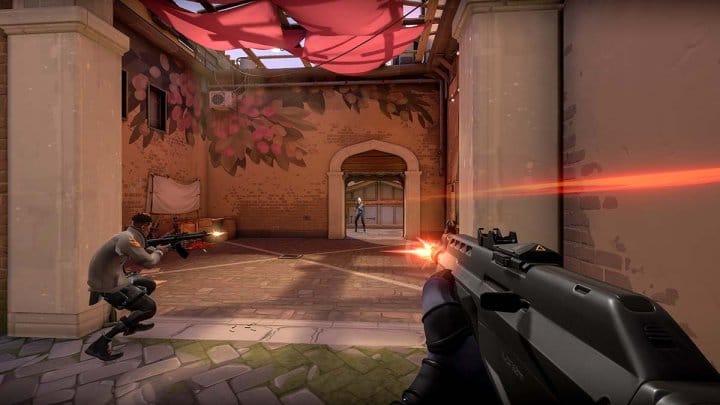
These are the best graphics settings to get the most out of your VALORANT performance.
Since the release of VALORANT, the competitive side of the First Person Shooter (FPS) has played an increasingly important role. Various in-game strategies and guides help to improve one’s own rank. But video and graphics settings can also improve performance in the game.
Your screen should always be clean and the settings should be at full quality if possible. Even though every PC is different and has different requirements, we have general tips for the configuration for you here:
- Multi-strand rendering – On
- Material quality – Medium
- Texture quality – Medium
- Detail quality – Medium
- User interface quality – Medium
- Vignette – Off
- VSync – Off
- Antialiasing – Off
- Anisotropic filtering – 1x
- Increase clarity – On
- Bloom – Off
- Distortion – Off
- Drop Shadow – On
These settings allow you to maximise your FPS while keeping the game’s graphics as sharp as possible. Options like anti-aliasing and V-Sync are often automatically enabled, but end up hurting performance more than they help. Bloom and distortion add some dynamic graphical settings, but obscure some elements and make it harder to see the surroundings.
You can of course set the upper settings to “high” if your PC can handle it. If your PC cannot cope with “medium”, you can also set the settings to “low” to keep maximum FPS as constant as possible. There is no right setting for the graphic settings of detail and texture quality, here you can choose according to your preference.


