





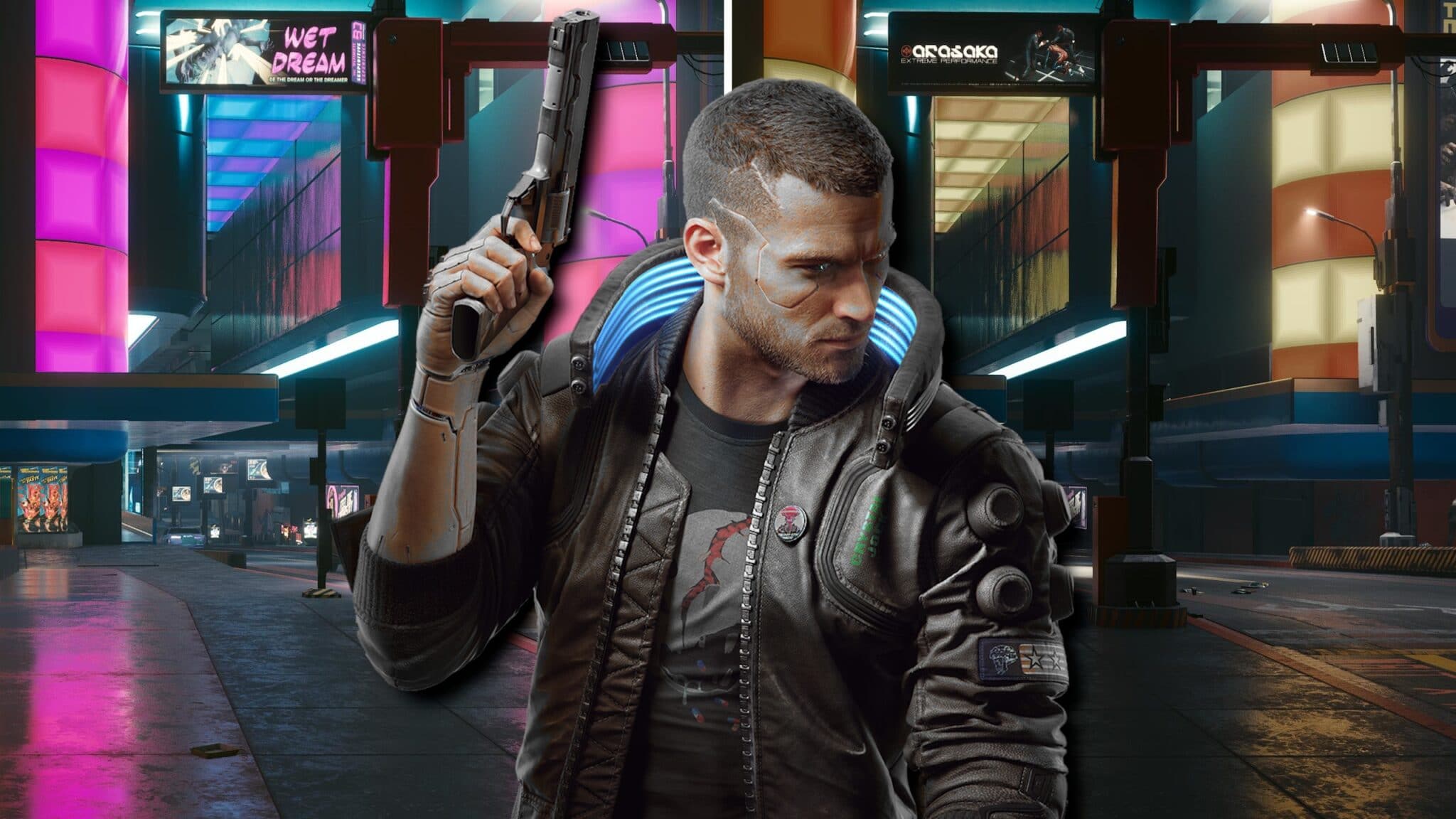
The mod “Darker Lighting” takes away the somewhat gaudy look from Cyberpunk and thus fulfills the wish of many players. How does it look in practice and does it cost performance?
Cyberpunk 2077 is considered the greatest next-gen title of the last year in terms of graphics. However, Night City is simply too colorful for many players to get a real cyberpunk feeling.
What does the mod look like?
The following comparison images show very clearly that the creator of the mod has not only changed the brightness and saturation, but has also made more profound changes to the coloring and the like. These are also not so-called ReShade filters, which is why the HUD is not affected by the changes.
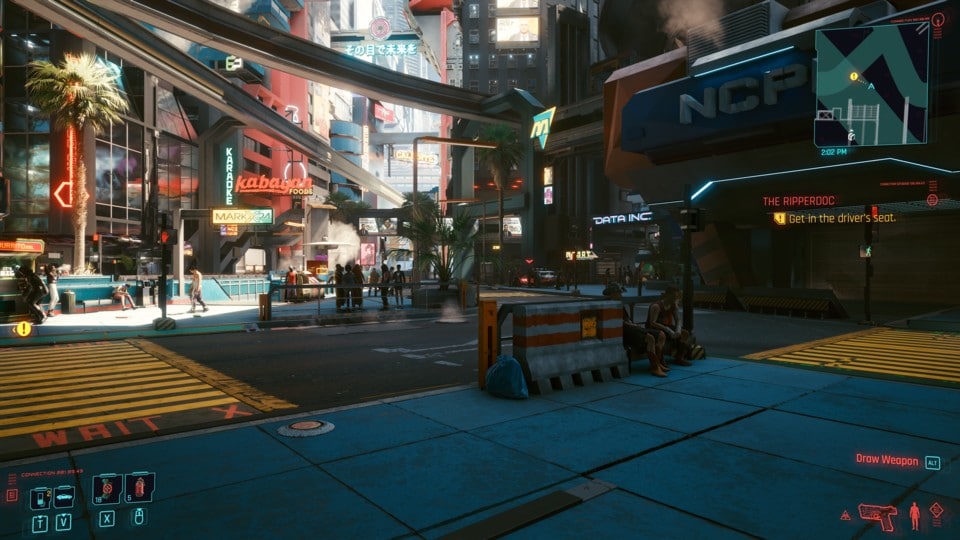
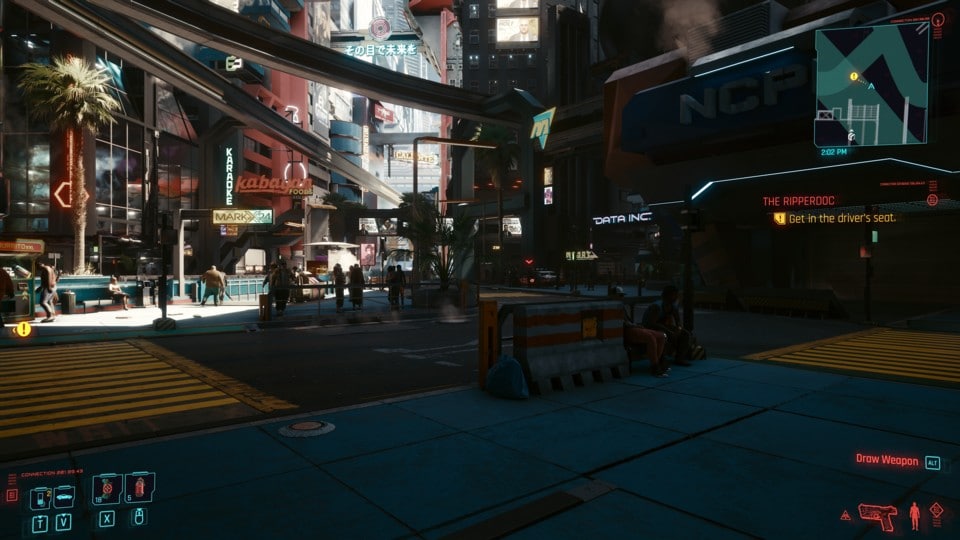
In the above comparison image number one, you might actually think at first glance that the mod is only tweaking brightness and saturation.
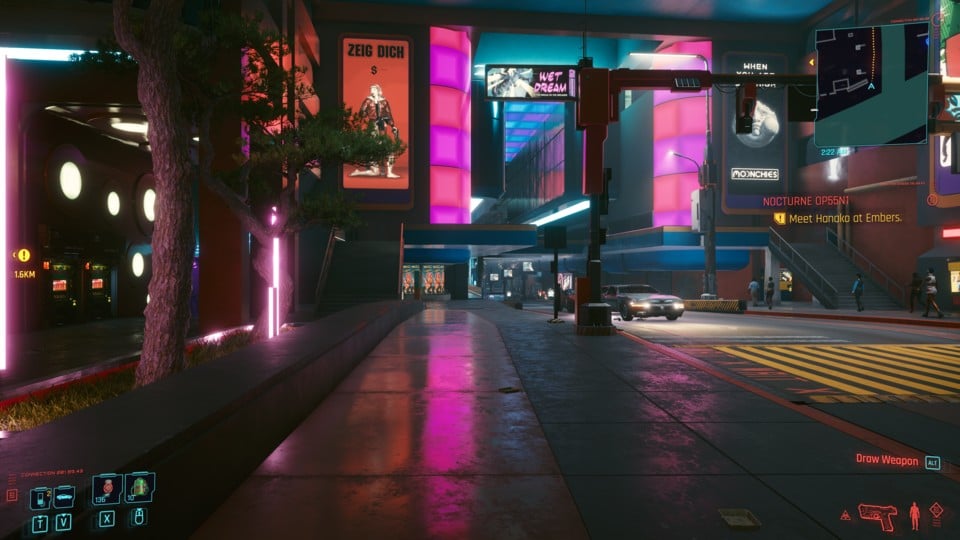
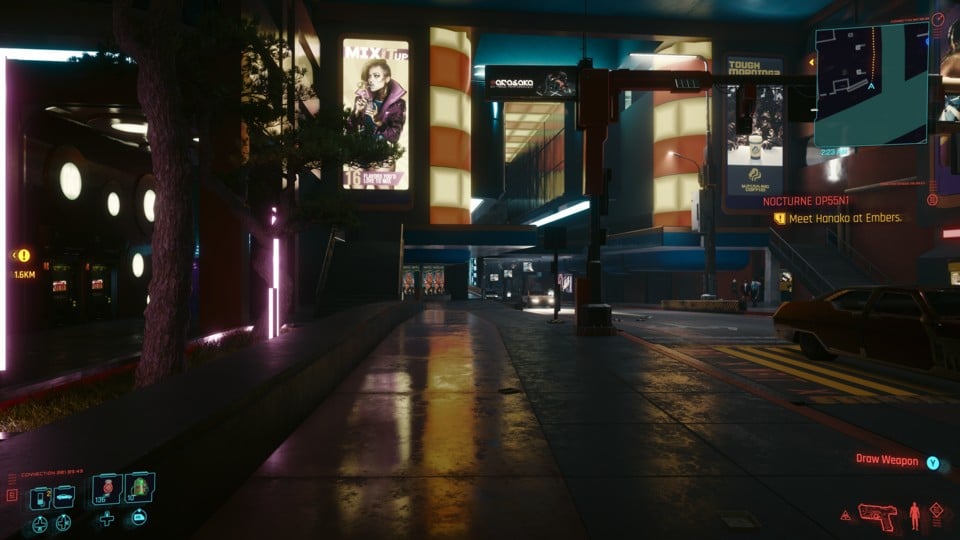
In the second comparison image, however, it becomes clear that much more work has gone into the mod. In our opinion, Night City actually looks more “adult” – but that’s a matter of taste.
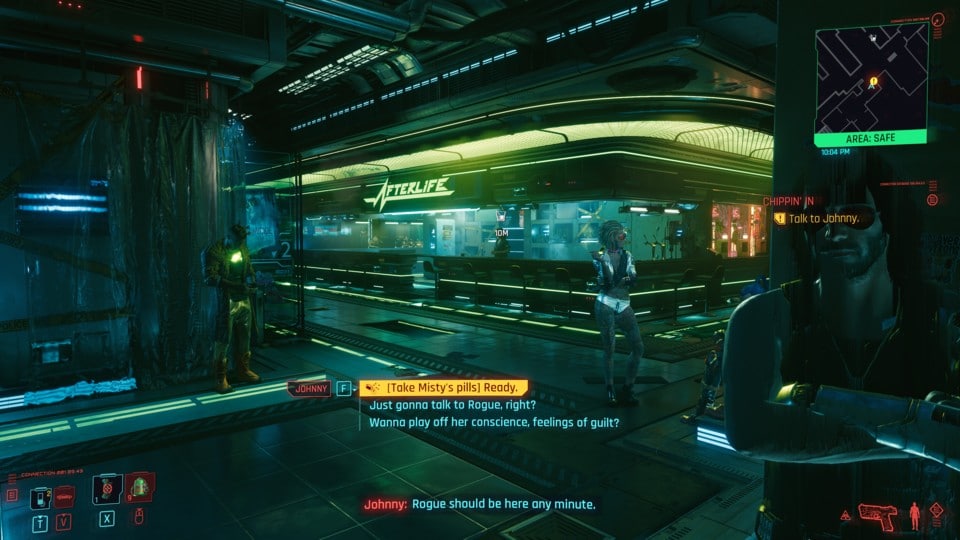
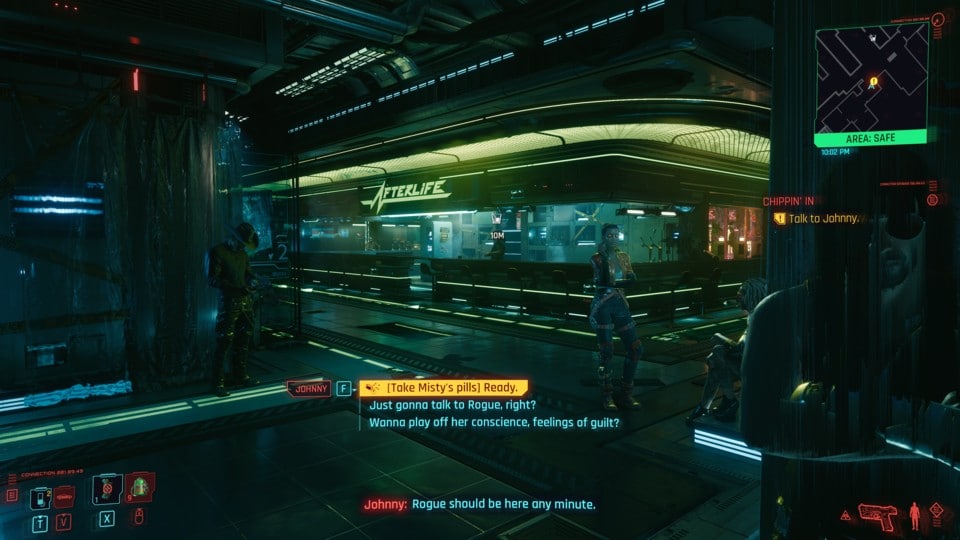
The comparison image with number three once again underlines the work of the creator. The already dark scene is only minimally changed by the mod. If you would only adjust your monitor or in-game settings for all three images, the scene in the last image would be much too dark.
Enlarge the images in the gallery:
What about the performance?
On our test system with an Nvidia Geforce RTX 3080, we achieved 43.8 frames per second in the selected, 30-second test sequence unmodded, and 44.1 FPS with mod (measured in 4K, Preset Ultra, without post-processing effects).
The difference of 0.3 FPS is within the measurement tolerance, so the mod has no negative effect on the performance in our case.
How to install the mod
If we have aroused your interest in “Darker Lighting”, you can easily download the mod yourself:
Download it with an existing Nexus Mods account (click here to download)
Unzip the file and copy the content of the folder DarkerLighting.archive into the directory \Cyberpunk 2077\archive\pc\mod (if not existing create the directory mod before)
If you want to uninstall the mod, just delete the folder or the file.


