





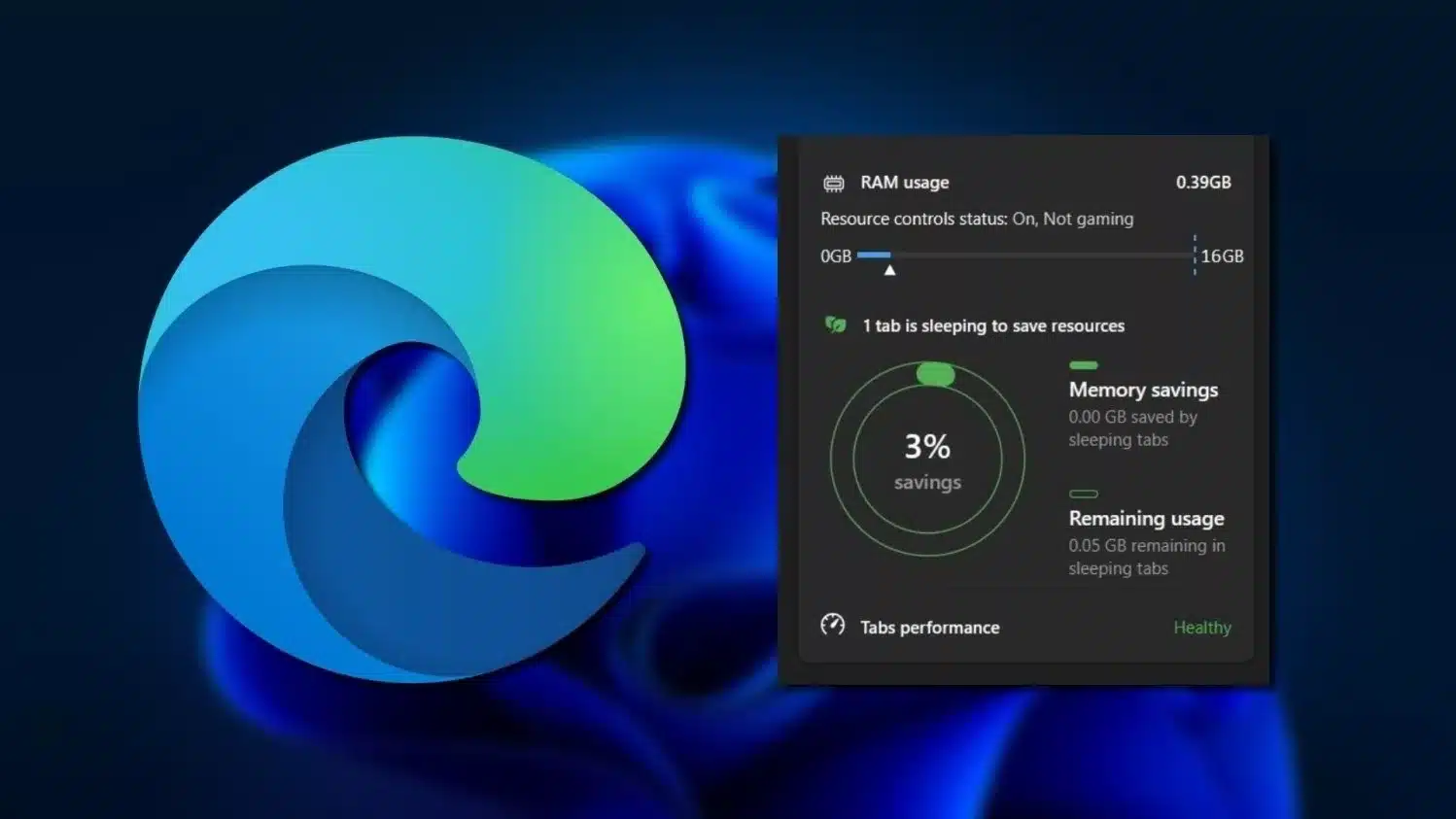
Soon the Edge browser will no longer eat up all your RAM
A new feature is being tested for Microsoft Edge: In the browser settings, you should be able to specify the maximum amount of RAM that can be used in future.
Why it’s important: Internet browsers rarely show any inhibitions when it comes to using system resources – especially when several tabs are open.
With a set limit, users can have significantly more control over how much memory is allocated.
In detail: In an Insider build of Microsoft Edge, there is a new slider in the “System and Performance” tab. The first screenshots of this were uploaded by user Leopeva64 on X/Twitter.
- Here you can specify whether resource management is always active or only when an active game session is detected.
- You can set the limit between 1 and 16 GByte. However, it is not clear from the screenshots in which levels this is done.
A new section on the Settings page could let you control how much RAM Edge can use, you can also choose whether this control is activated only when you are playing a game or always:https://t.co/YiCu5igL0U pic.twitter.com/pE29PI6FfR
– Leopeva64 (@Leopeva64) March 27, 2024
How to test the feature: The preview version of Microsoft Edge mentioned above is currently only available in the “Canary” build of the Insider Program.
You don’t need to register to download the trial version; if you want to test the RAM limit, you can do so relatively easily via the official website.
- The Canary build is updated daily, so you can regularly test new Edge features here.
- Both the Dev and Beta channels are more stable test versions of the browser, which are updated weekly and monthly respectively.
Microsoft also uses a similar concept for changes in Windows – such as the upcoming changes for Explorer!
Edge wants to become more attractive to gamers: The explicit option to limit memory usage only during gameplay makes Microsoft’s plans for the browser clear.
A few months ago, the developers also introduced the “Game View” in a preview:
- Game View is intended to provide tips and answers to frequently asked questions about the game that is currently being actively played.
- The information is created on the basis of the Copilot AI.
- Game View can be started automatically if desired when switching between the respective game and the Edge browser.


