





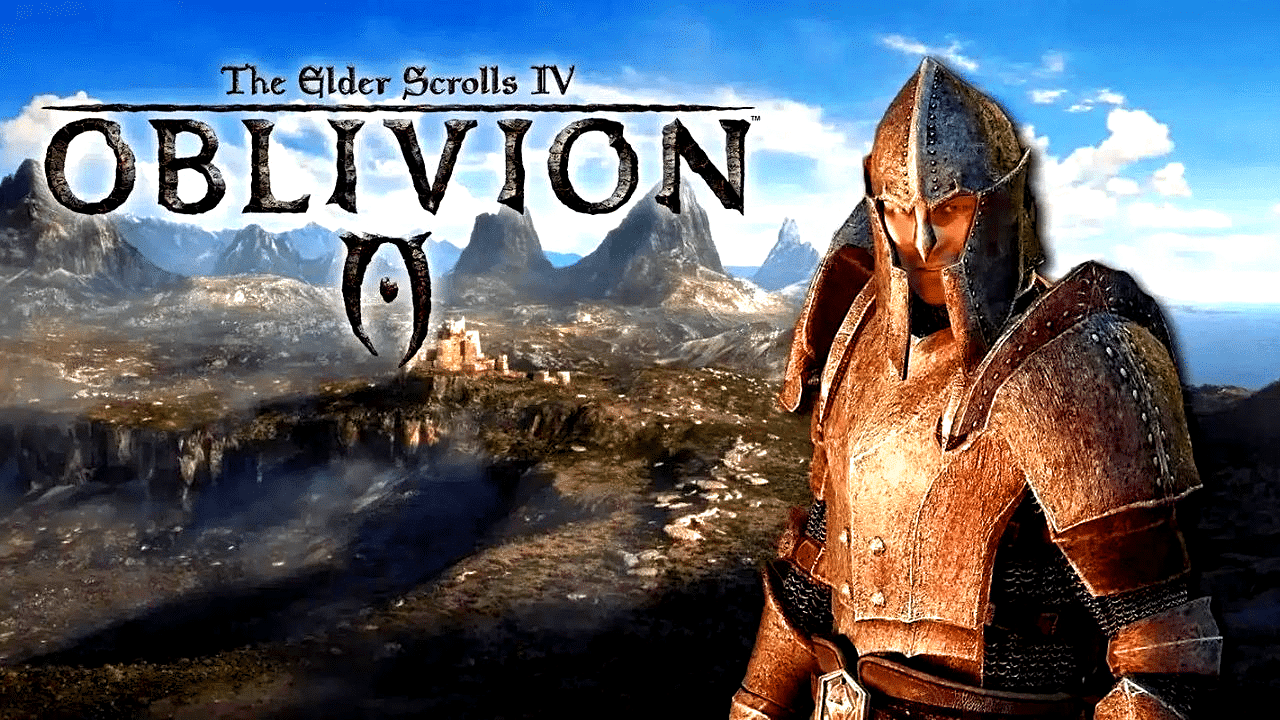
Don’t like the new color scheme in the re-release? Then a small mod can quickly remedy that. We’ll tell you how!
Wow, is that pretty… brown?!
– We’re sure we weren’t the only ones who thought that yesterday when we stepped out of the sewers into the new old Cyrodiil of The Elder Scrolls 4: Oblivion Remastered.
If you want to bring more color into the game, you don’t have to make shady deals with Daedra deities or enroll in the local mage guild. After all, what is ReShade for? We’ll explain step by step what you need to do.
Table of contents:
- Step 1: Install the free ReShade tool
- Step 2: Download and activate the graphics mod
- Image comparison: original vs. mod
An important note before you begin: The following instructions only work with the Steam version of Oblivion Remastered. The UWP-based application from Game Pass is not compatible with ReShade without a lot of tinkering.
Install ReShade
Step one is to install the free tool ReShade This is a small application that is very popular among gaming fans. It intervenes in the image calculation process just before the image is output to your monitor, allowing you to change every parameter of the image.
Whether you want more sharpness, contrast adjustments, new effects such as depth of field or, as in this case, a modified color palette – thanks to ReShade, it’s all child’s play.
- Download ReShade and start the installation wizard.
- Convenient: It automatically searches for all executable files on your system. The best thing to do is to enter
Oblivion
in the search bar, select the fileOblivionRemastered.exe
and clickNext
- In the next step, please select the option
DirectX 10/11/12
, click again onNext
and then you can optionally download hundreds of effects right away – but you don’t have to do this for the mod we’re about to introduce. So you can simply complete the process and continue.
Install the graphics mod
Now everything goes very quickly:
Download the just 1 kilobyte large mod Ayleid Reshade
from Nexusmods . As you might have guessed, this is a preset for ReShade. All you have to do now is unzip the downloaded file and move it to the Oblivion game directory, i.e.:
Steam/steamapps/common/Oblivion Remastered
The preset will now be loaded automatically every time you start the game. If you want to remove it at any point, simply delete the preset file and you’re done!
Image comparison: Original vs. graphics mod
Below are a few more image comparisons from the mod’s author:
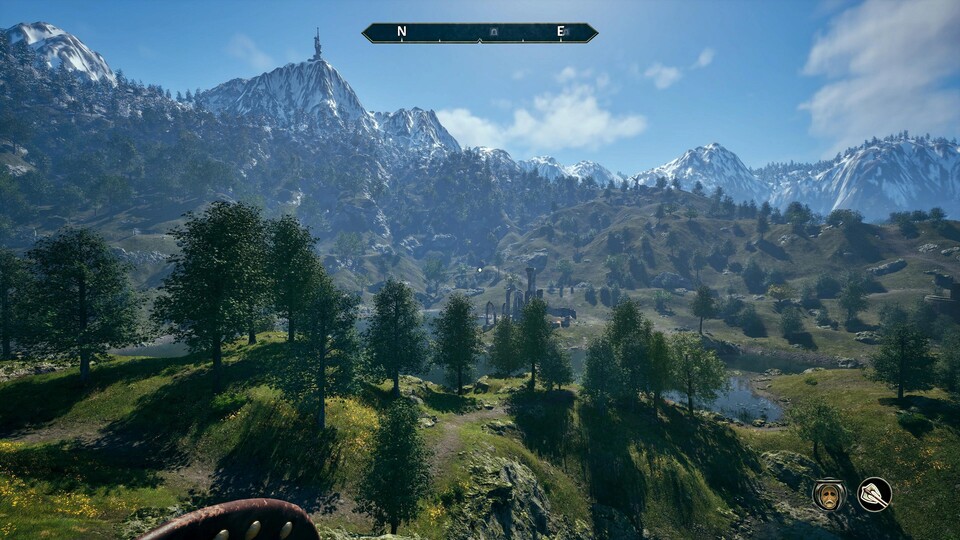
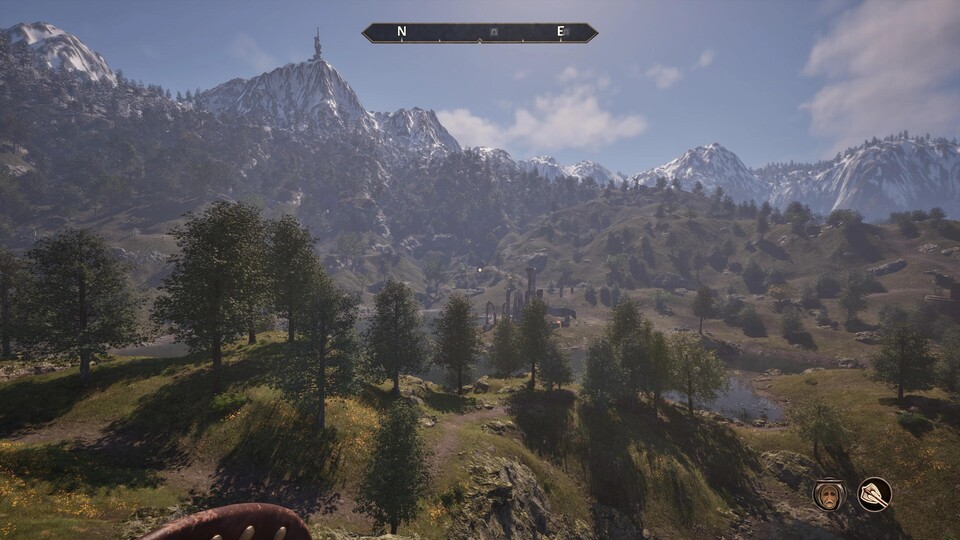
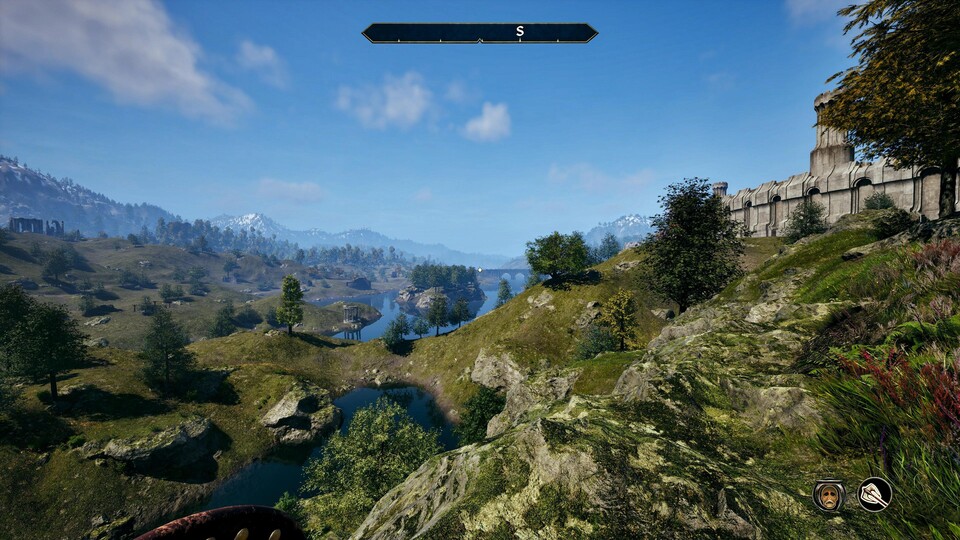
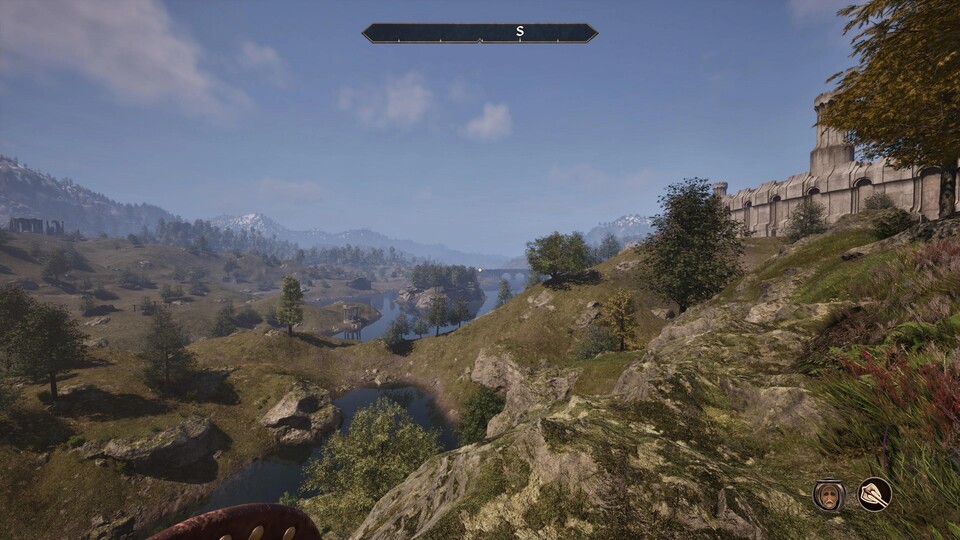
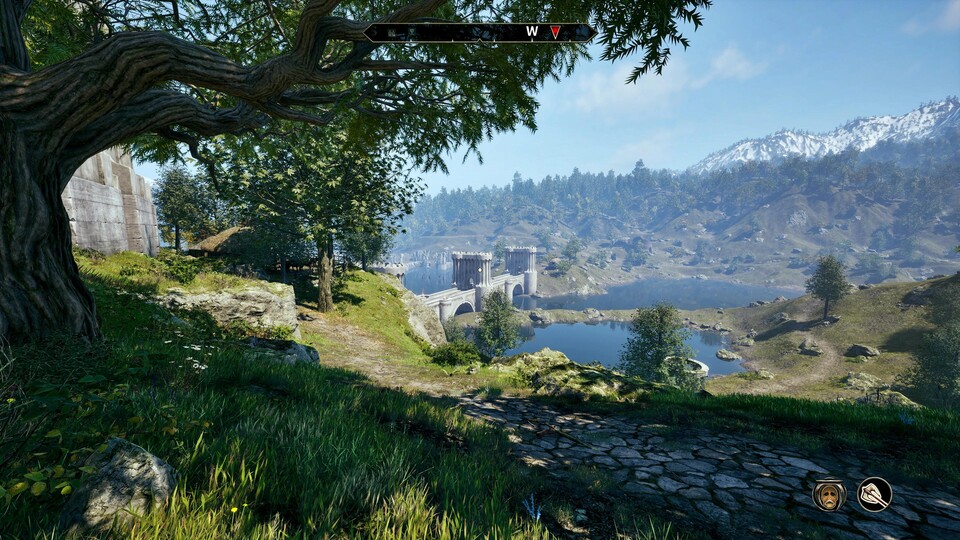
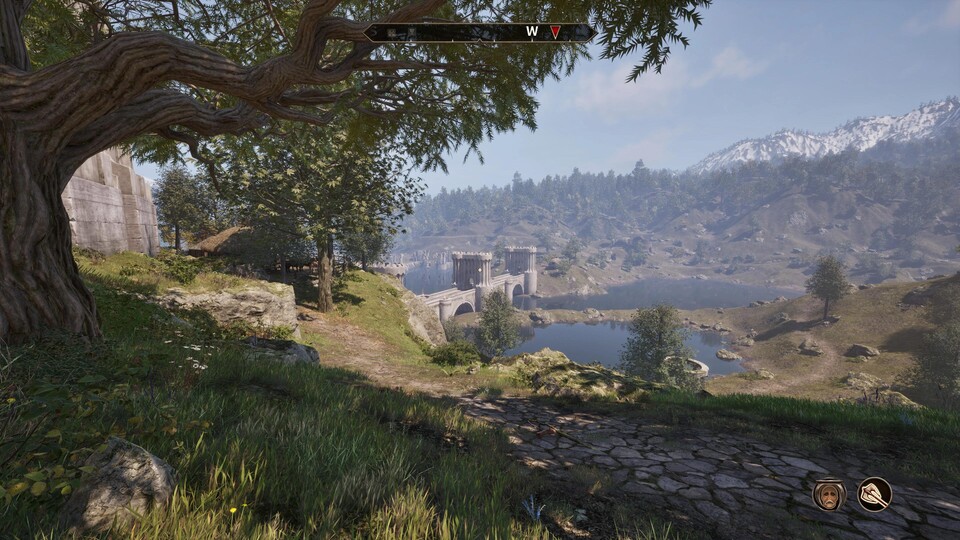
ReShade is also useful beyond the realm of Oblivion if you often feel that game XYZ could look a little prettier for your taste. The tool is compatible with almost all modern titles, and with a little practice, you’ll quickly get the hang of it.
But remember that, as mentioned at the beginning, ReShade has problems with UWP titles, i.e. games that you start directly from the Microsoft Store or the Game Pass app.


